


Find the constraint
A gain at one machine can be offset by limited labor, materials, or downstream capacity. Uncover the real bottleneck holding the system back.
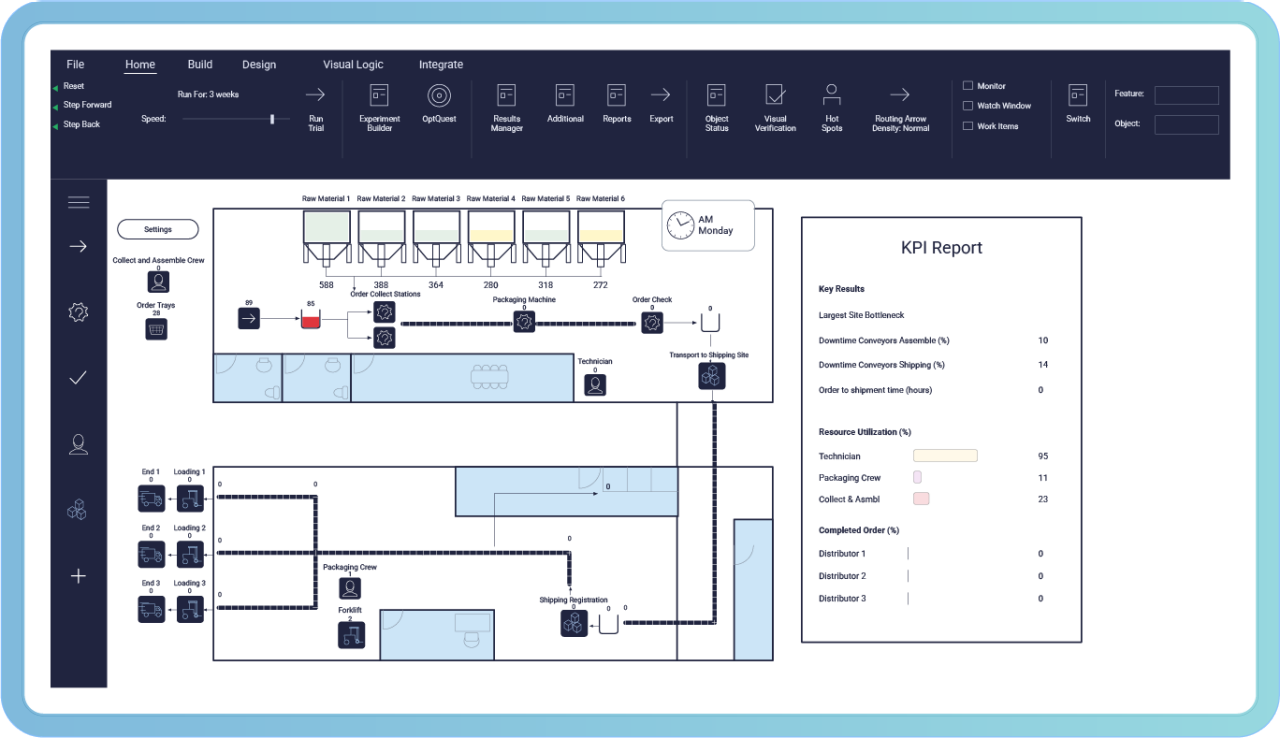
Process Modeling
A manufacturing digital twin is a digital copy of a physical process or system that can be updated with operational data as conditions change. It represents how workflows, equipment, people, materials, schedules, downtime, quality, and variability affect one another.
Teams can use it to examine likely outcomes before making changes in the physical operation. Minitab focuses on process and system digital twins. A process twin helps you see beyond one machine the effects a change may have across a line or factory.
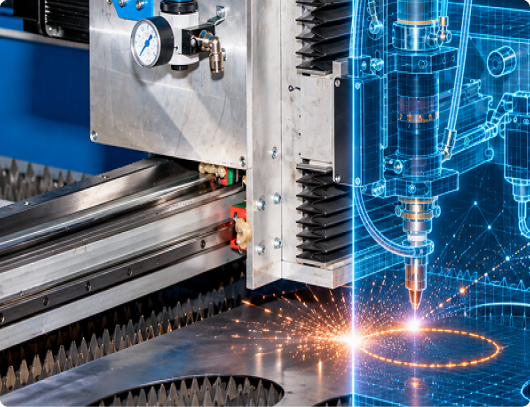
How it works
A fully connected digital twin is not a prerequisite for value. Begin with a simulation that answers
a real operational question, then add data connections as your needs and available data mature.
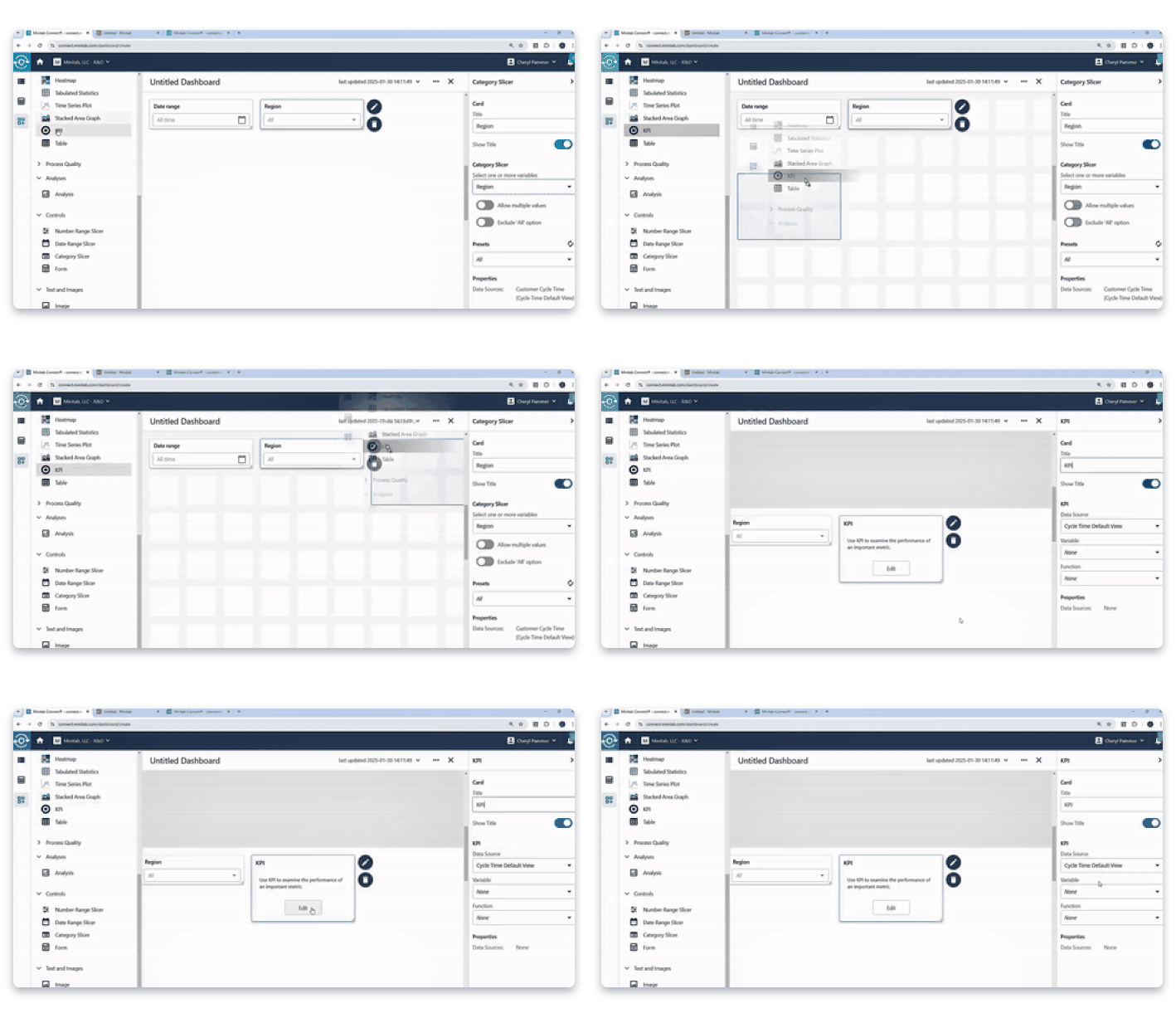
Refresh inputs such as staffing, equipment availability, inventory, demand, schedules, cycle times, and quality performance. Minitab Connect or direct connections to specified repositories can help bring changing information into the model.
Rerun the model and compare practical responses. See how each option could affect throughput, utilization, queues, delays, and the chance of meeting production targets.
Simulation specialists maintain the underlying model. Through Minitab Solution Center, a broader team can work with approved inputs, run scenarios, and review results without rebuilding the simulation.
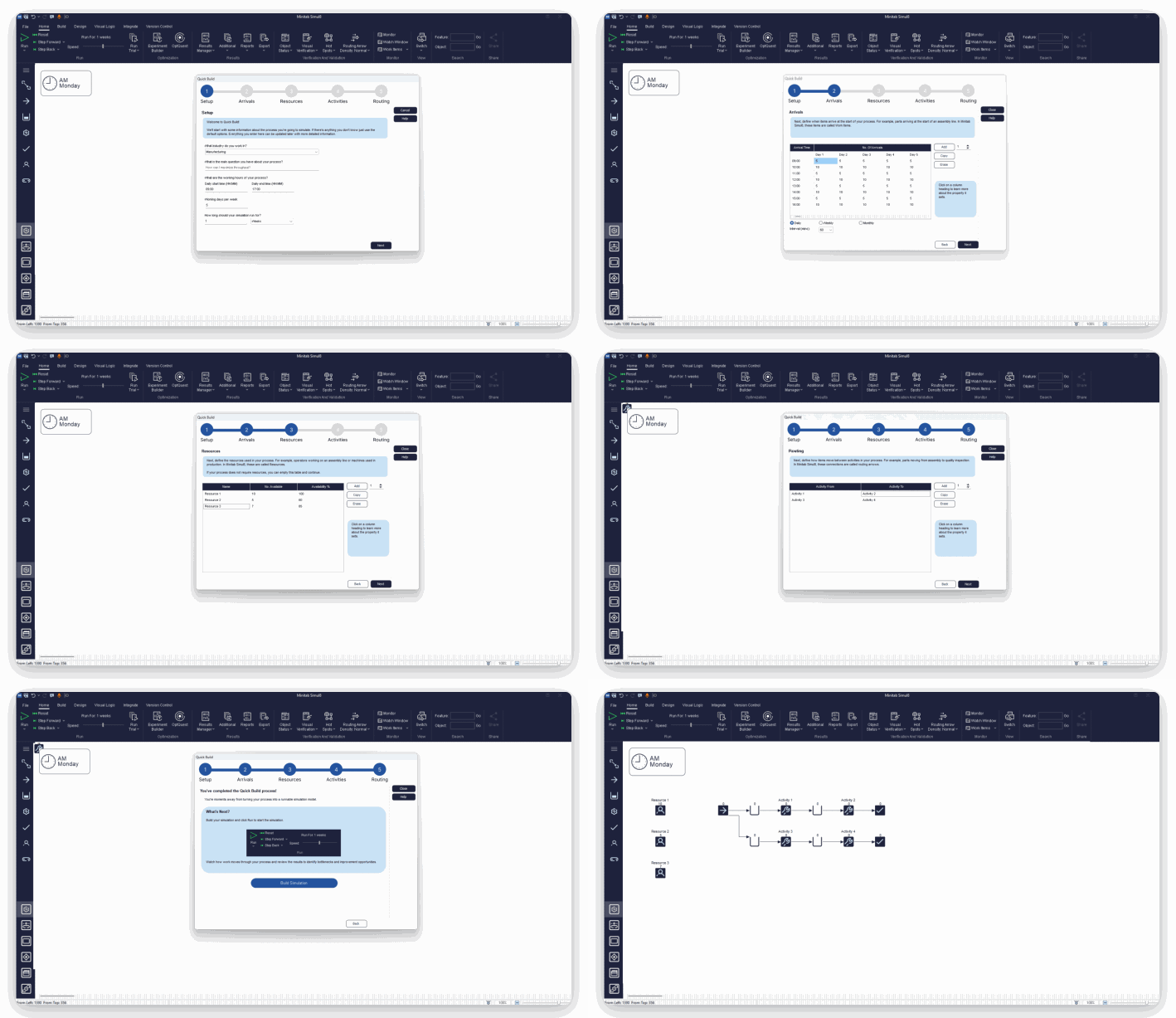


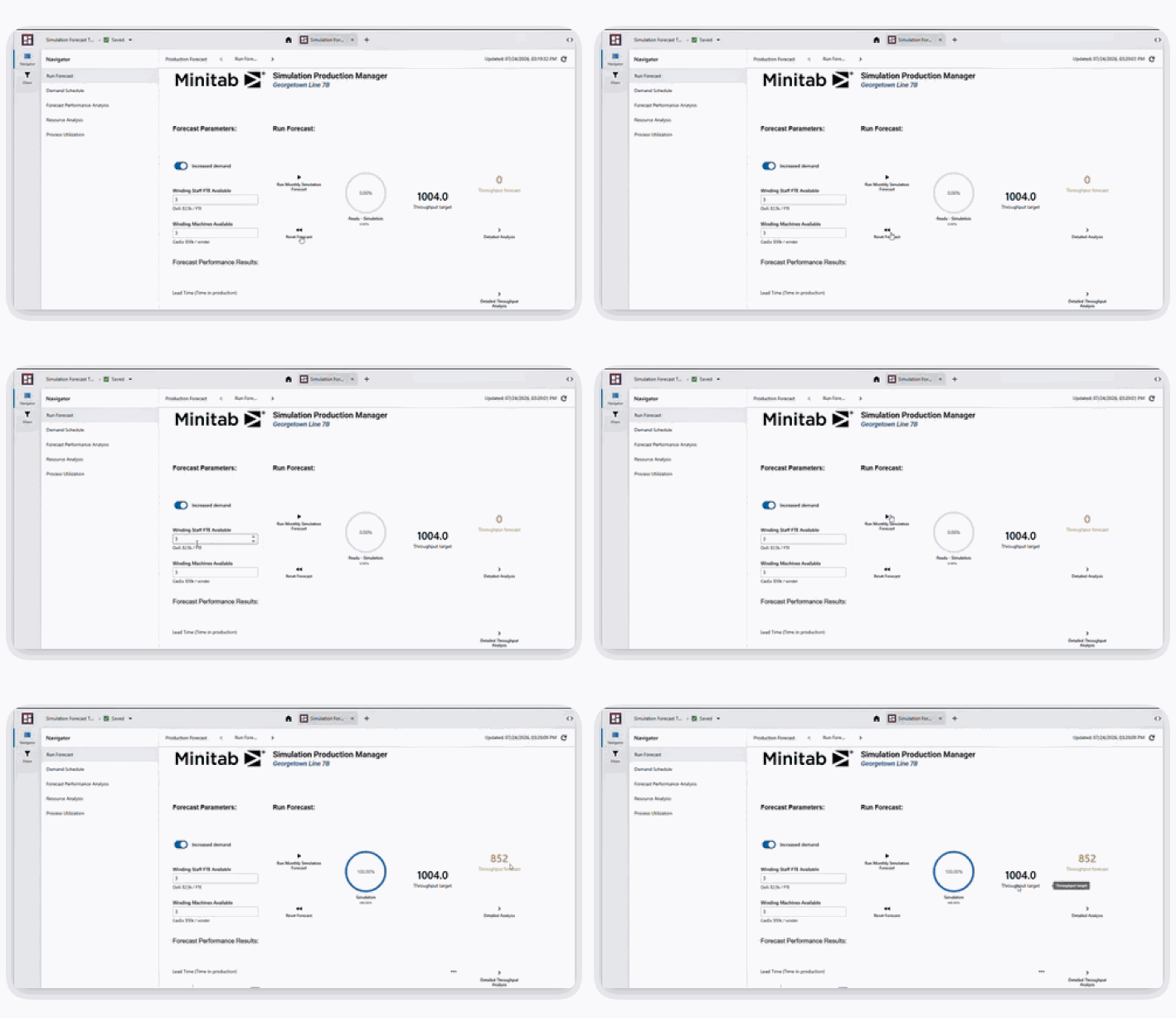
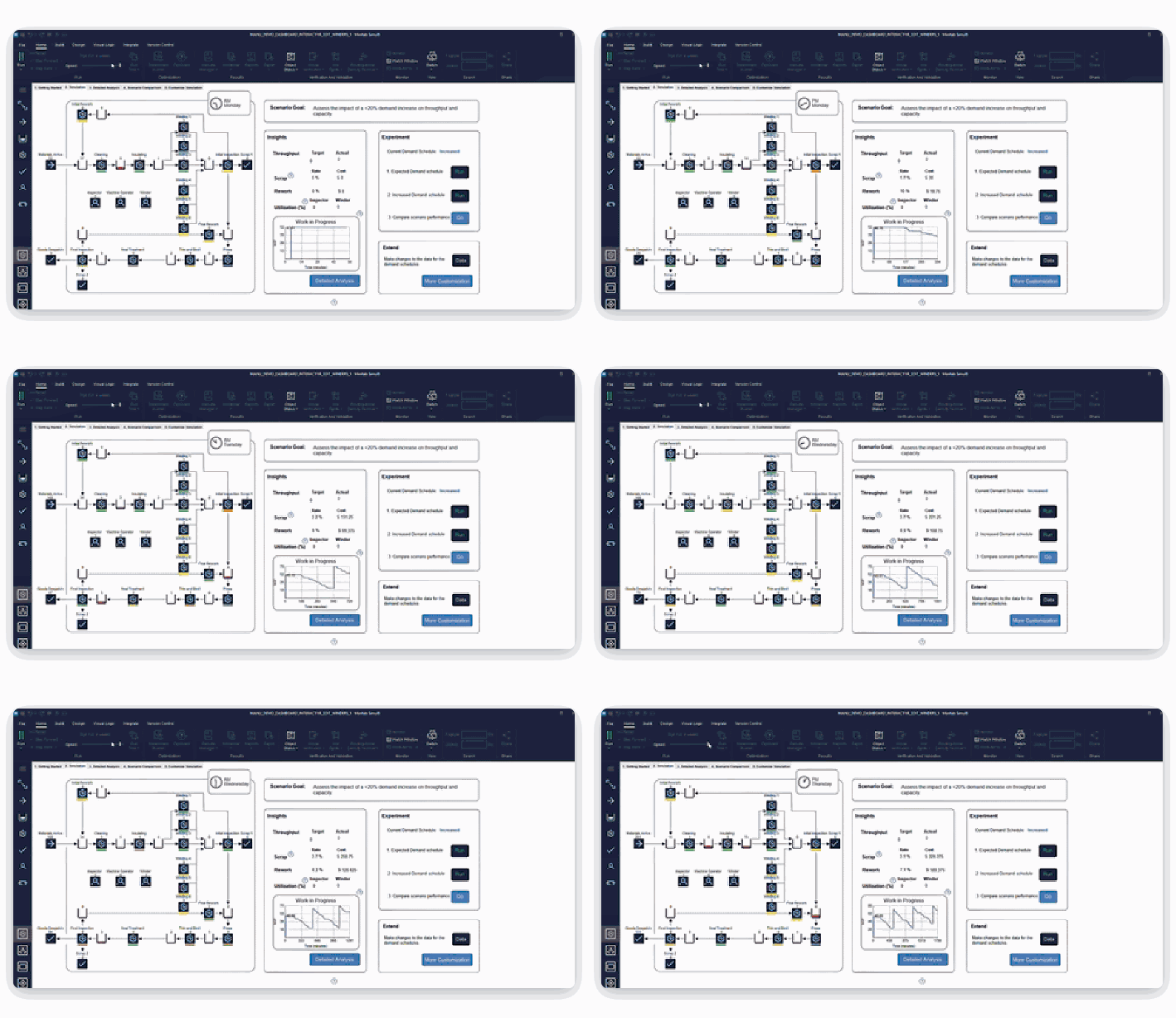
The system view
A faster machine does not always mean more output. Labor availability, incoming materials, downstream capacity, or rework can become the next constraint. A process digital twin supports manufacturing process optimization by helping teams test these connected effects before committing people, equipment, production time, or capital.
Operational Decisions
When conditions change, refresh the model and evaluate the options available to your team.
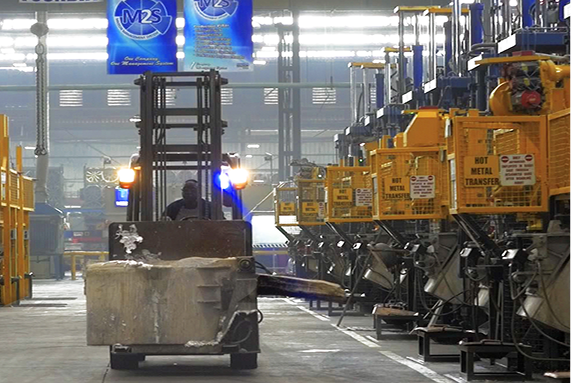
A critical machine is unavailable, and the production target has not changed. Compare alternate equipment, overtime, or maintenance timing to see which response is most likely to protect throughput and delivery.
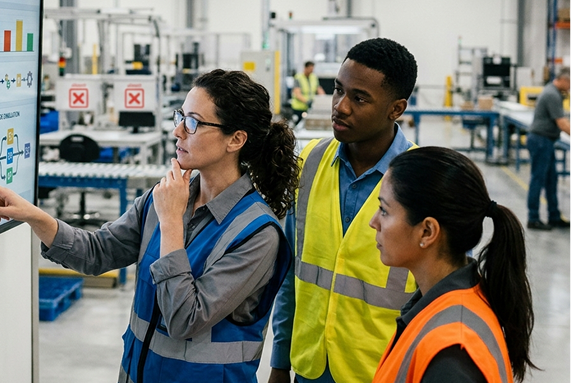
Two operators call out at the start of a shift. Test reassignment and shift options to see where available labor can have the greatest effect without creating a new bottleneck.
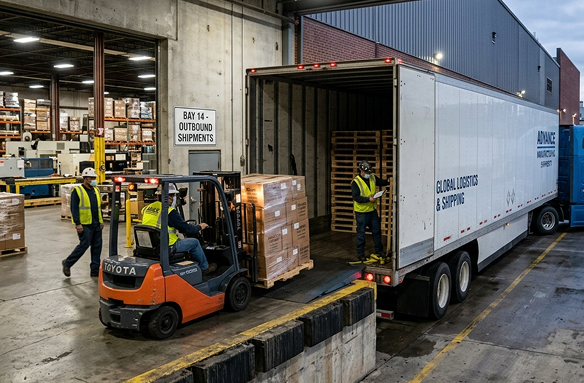
Delayed shipment or failed inspection reduces usable inventory. Compare order priorities and available stock to understand likely effects on work in process and service levels. /span>
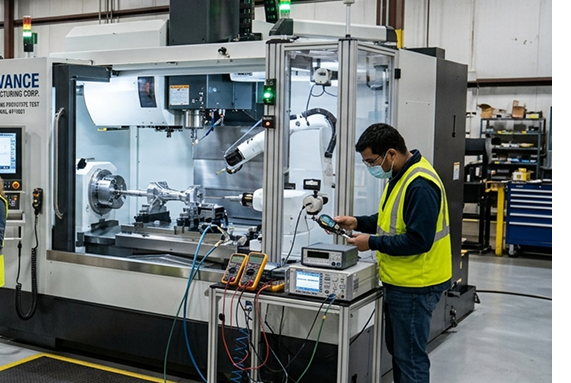
Demand is rising. Test whether a new machine, a schedule change, or a different line configuration would improve total output before committing resources.
Trusted by Industry Leaders
338%
more throughput using Simul8 simulation
Case Study
FUJIFILM used Simul8 to model its packaging line and compare five improvement scenarios before committing capital. One staffing change and one equipment upgrade projected a 338% increase in throughput.
How Minitab Supports the Workflow
Build the process model once, refresh it with relevant operational data, and give more people a way to test decisions.
Minitab brings simulation, data connections, and shared access into one repeatable workflow.

Make approved simulations and scenarios available to more stakeholders so teams can explore outcomes and use the model repeatedly.

Build, validate, and maintain a simulation of the process. Experiment with inputs and analyze how the system responds.

Bring relevant operational information into the workflow so the simulation can be refreshed as conditions change.
You do not need every system connected on day one. Begin with a validated simulation,
answer a meaningful question, and build toward a digital twin your team can use as conditions change.
Everything you need to know about connecting Minitab to your processes.
A simulation models how a process behaves and lets teams test possible changes. In the approach described here, it becomes a digital twin when connected to information from the real operation and refreshed as conditions change. A stand-alone simulation can still create value before that connection is built.
No. Start with a validated model and the data or assumptions you have. Connect and refresh relevant operational inputs over time. The right refresh frequency depends on the decision you need to make and the availability of reliable data.
It can represent production flow, equipment, capacity, staffing, materials, inventory, schedules, downtime, quality, queues, and variation. The model should include the factors needed to answer its intended operational questions.
Industrial engineers and simulation specialists can build and maintain the model. Process engineers, production managers, plant leaders, and other approved users can use it to test scenarios and review results.
The model helps teams compare likely consequences. Engineers and operational leaders interpret the results and decide what to do in the real operation.